Connecting via web browser
A wide range of connection options.
Users have access to all the familiar connection methods (depending on the edition), including local SSH clients, RDP clients, and database clients, without requiring retraining or significant changes to their routines. They can also connect to servers and services via a standard web browser.
Browser-based connections are ideal when users are working from a workstation where installing additional client software for SSH/RDP/SQL is not possible, as well as for enabling convenient access for external contractors to all popular services:
- VNC/RDP (with clipboard and file transfer direction control);
- SSH (with dangerous command filtering);
- SFTP (with file transfer direction control);
- SQL (with dangerous command filtering);
- and web interfaces deployed within the organization’s internal network (e.g., network device configuration interfaces, internal portals, etc.).
Easy for every user.
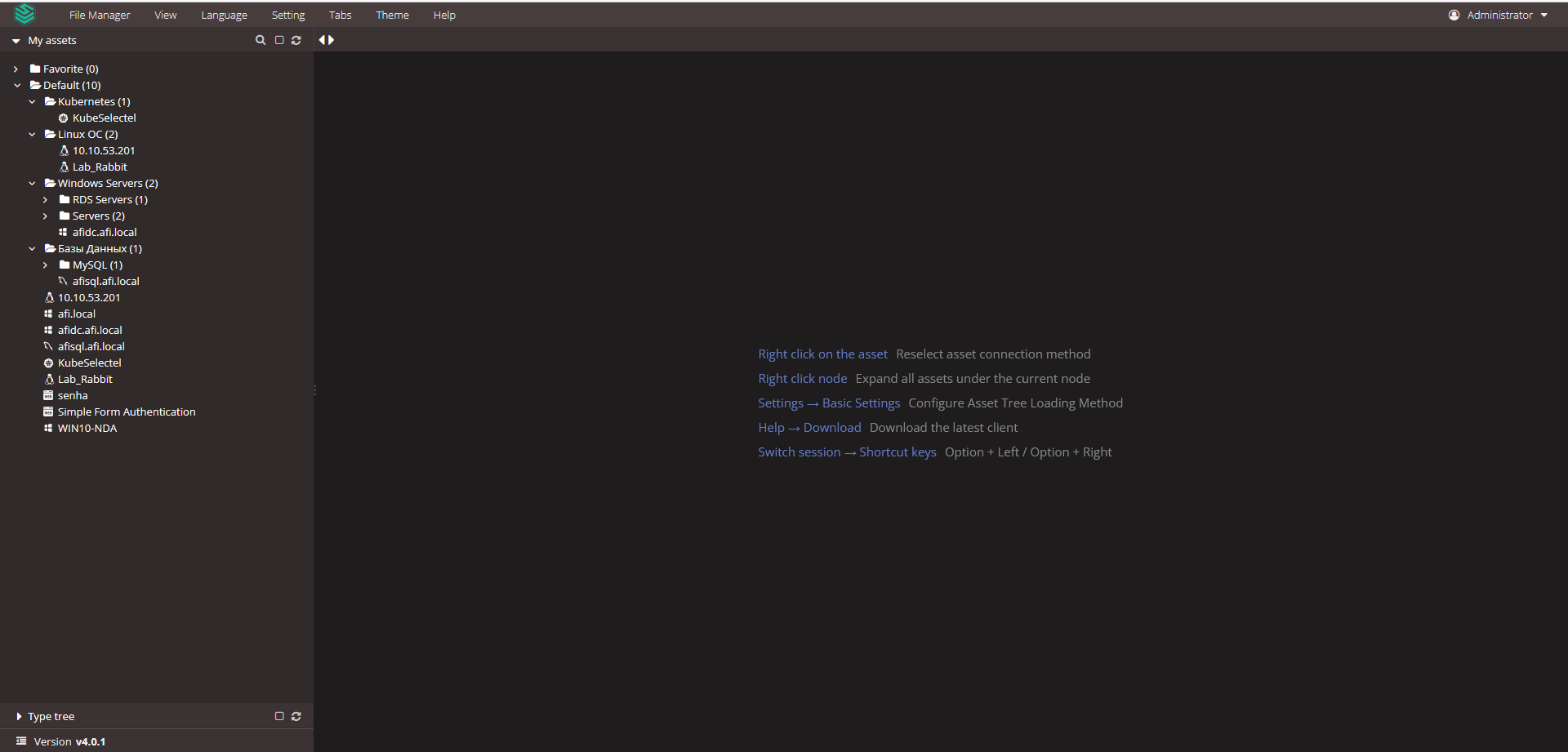
All added servers and services with configured connection methods are displayed to the user in a convenient tree structure, showing only those they are authorized to access.
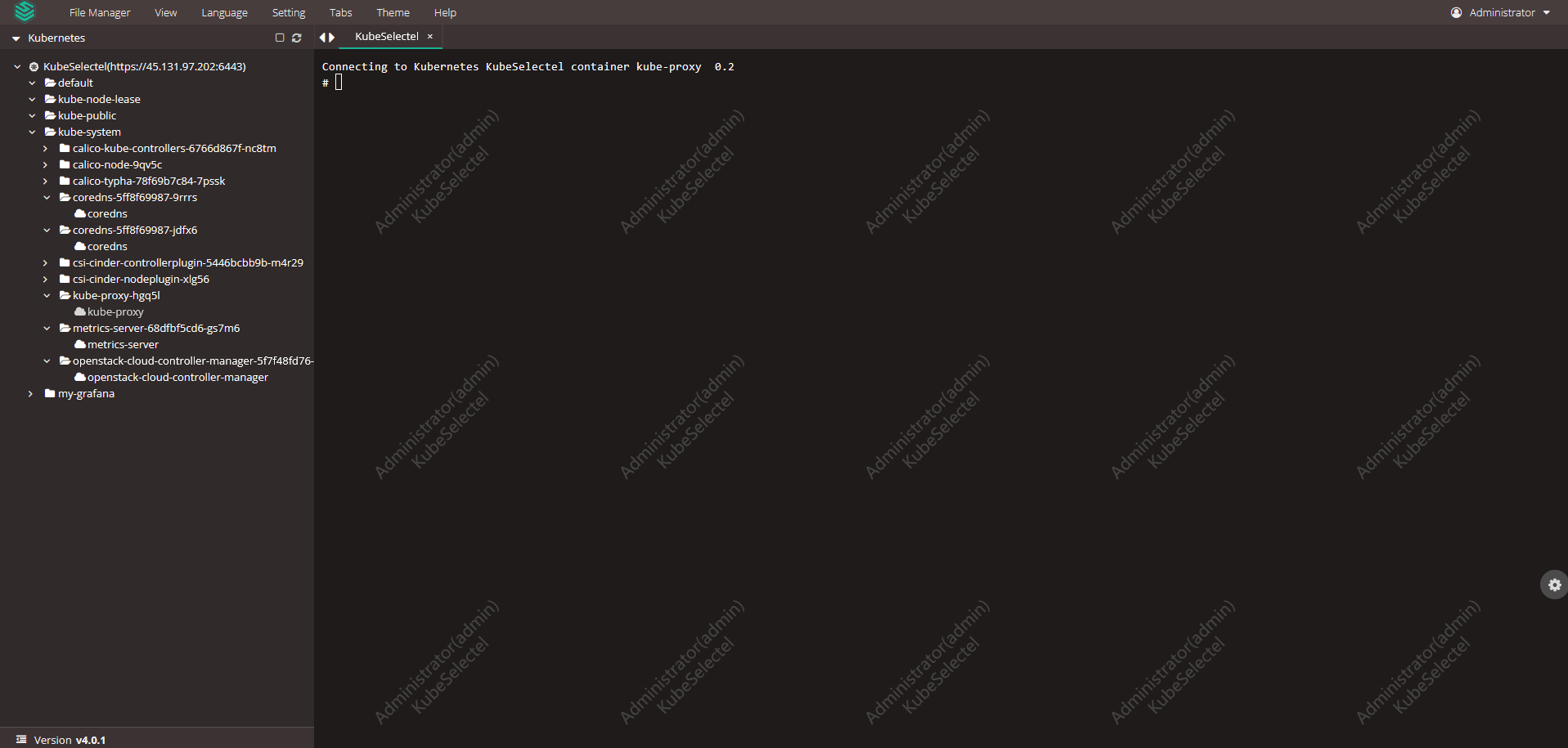
To connect, the user simply clicks on the desired network asset, and JumpServer PAM automatically sets up the connection to the required system, authenticates, and provides an interactive interface.
In line with granted permissions, the user can send/receive files, work with the clipboard, and all transferred data, files, keystrokes, and a video recording of the session will be saved.

Easy and secure work with databases.
JumpServer PAM enables secure connections to internal databases, both through traditional clients and via a web interface.
Depending on the selected edition, it supports:
- MySQL;
- MariaDB;
- Oracle;
- ClickHouse;
- DB2;
- PostgreSQL;
- Dameng;
- MongoDB;
- Redis.
When working with any database, JumpServer PAM logs executed commands and filters dangerous SQL queries.
Through the web browser, a powerful interface is available, allowing seamless interaction with any database without the need to expose additional network ports—highly beneficial for external contractor access.

Easy to use for administrators.
System administrators must balance security with flexibility, especially when addressing urgent issues, such as disaster recovery.
JumpServer PAM is ideal for this, as administrators can:
- use their familiar clients to connect to servers;
- connect through the web interface when it’s faster and more convenient, including for remote work;
- continue using additional accounts and individual system passwords where required.
In all these scenarios, JumpServer PAM will record session videos, keystrokes, transferred files, and clipboard content while filtering dangerous commands.

Need help?
Support during the JumpServer PAM Enterprise Edition PoC
Have you started testing JumpServer PAM EE and encountered an issue? Our process includes organizing email threads or Telegram groups for prompt issue resolution. If you believe you were not added to such a group, please contact your supplier or reach out to us at support@afi-d.com
Training your specialists in configuring and administering JumpServer PAM
As part of an active technical support subscription, we will train your specialists in the installation, configuration, administration of JumpServer PAM, as well as recovery after errors and incidents.
Training is conducted online according to a pre-agreed plan and includes mandatory practical knowledge assessment with the issuance of personalized certificates (upon successful exam completion).
Video tutorials
Visit our channel on YouTube featuring video tutorials on configuring all sections of JumpServer PAM. The videos are updated with each new release.
Technical support for the free JumpServer PAM Community Edition
The idea of implementing a complex but business-critical PAM system can be intimidating due to the perceived complexity of system configuration, training administrators and security specialists, and changes to account management processes.
To make deployment and configuration of JumpServer Community Edition comfortable, and to ensure you can always get help from professionals, AFI Distribution offers an annual technical support subscription.
The support package priced at 1.5 million RUB per JumpServer Community Edition instance (with no limits on the number of users or target systems) includes everything required to use PAM:
- documentation and instructions;
- usage scenarios and recommended deployment architectures;
- training for administrators and information security specialists on working with JumpServer;
- tips and solutions for common questions;
- notifications about new releases with verified upgrade instructions;
- integration with RADIUS and multi-factor authentication “Multifactor” ;
- direct access to an engineer (no first-line support) with a clear SLA.